
ARC Proxy for Chrome
The proxy extension for Chrome
Switch Chrome to a residential, ISP or mobile proxy in one click, in the country and city you pick. Or bring your own proxy lists from any provider. Start with 1 GB free.
Free · Chrome 116+ · No tracking · Works with any HTTP proxy
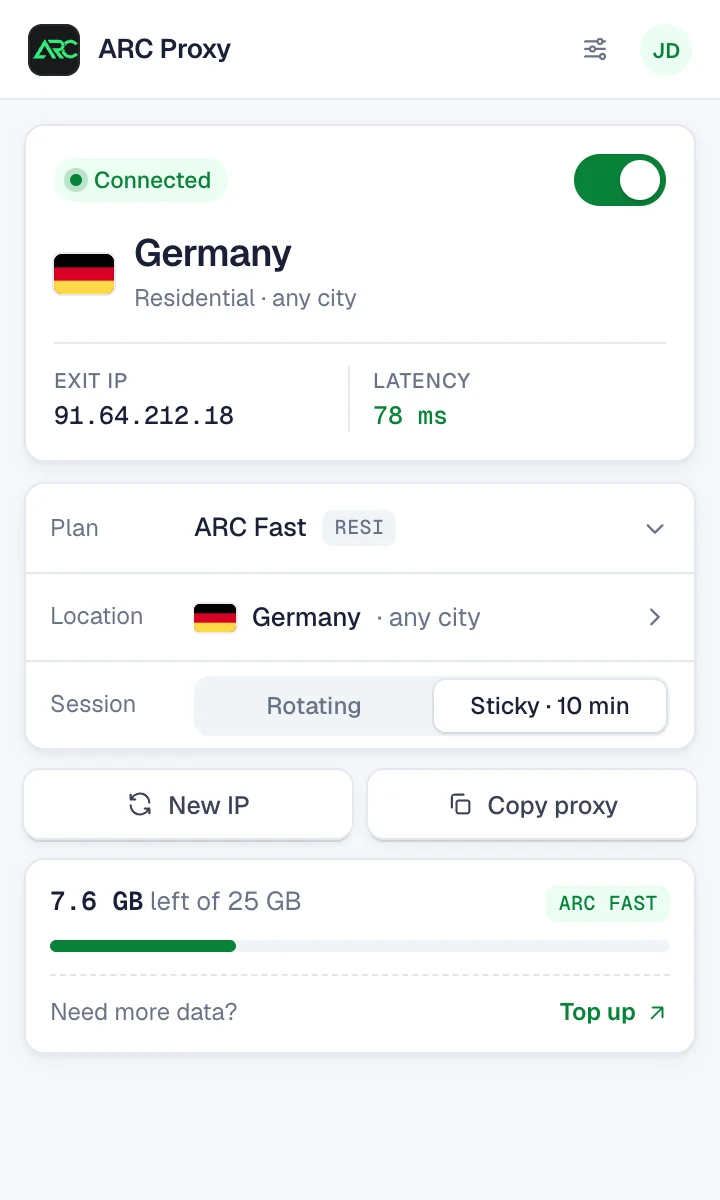
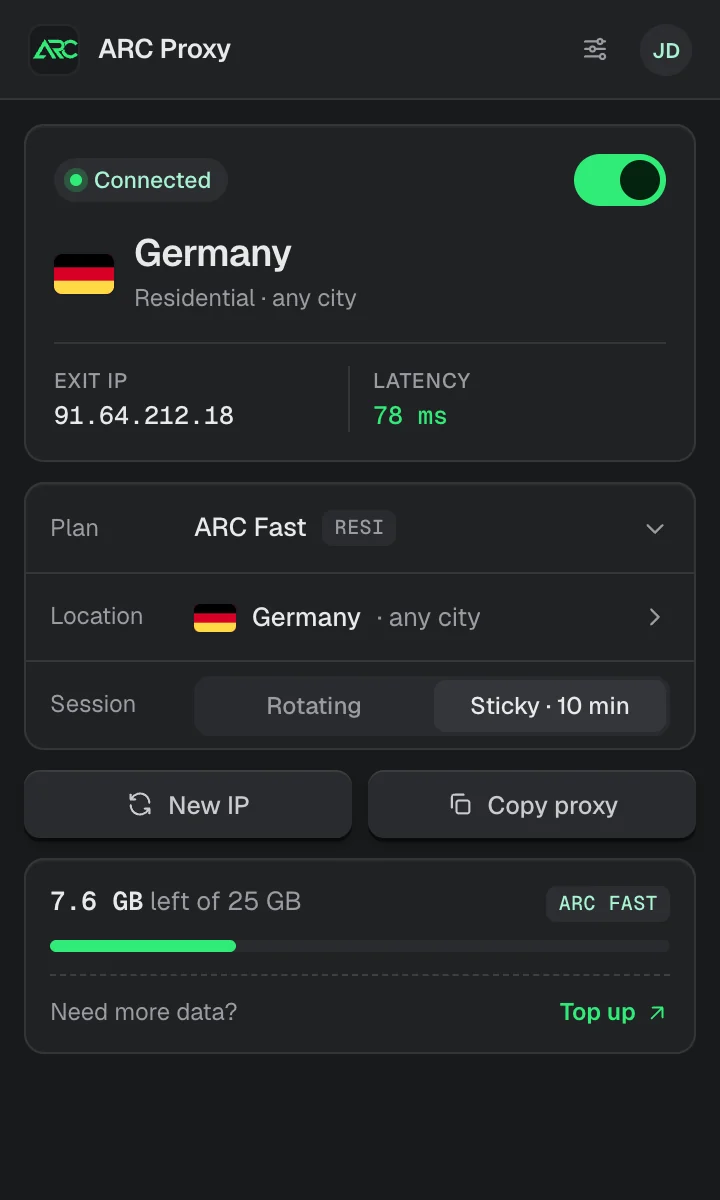
One switch
Plan, country, session, on. The whole browser goes out through that IP.
Country and city
Residential, ISP and mobile pools, with city targeting where the pool has it.
Your own lists
Import proxies from any provider, test them all, drop the dead ones.
No leaks
WebRTC protection, and no silent fallback to your real IP.
ARC plans
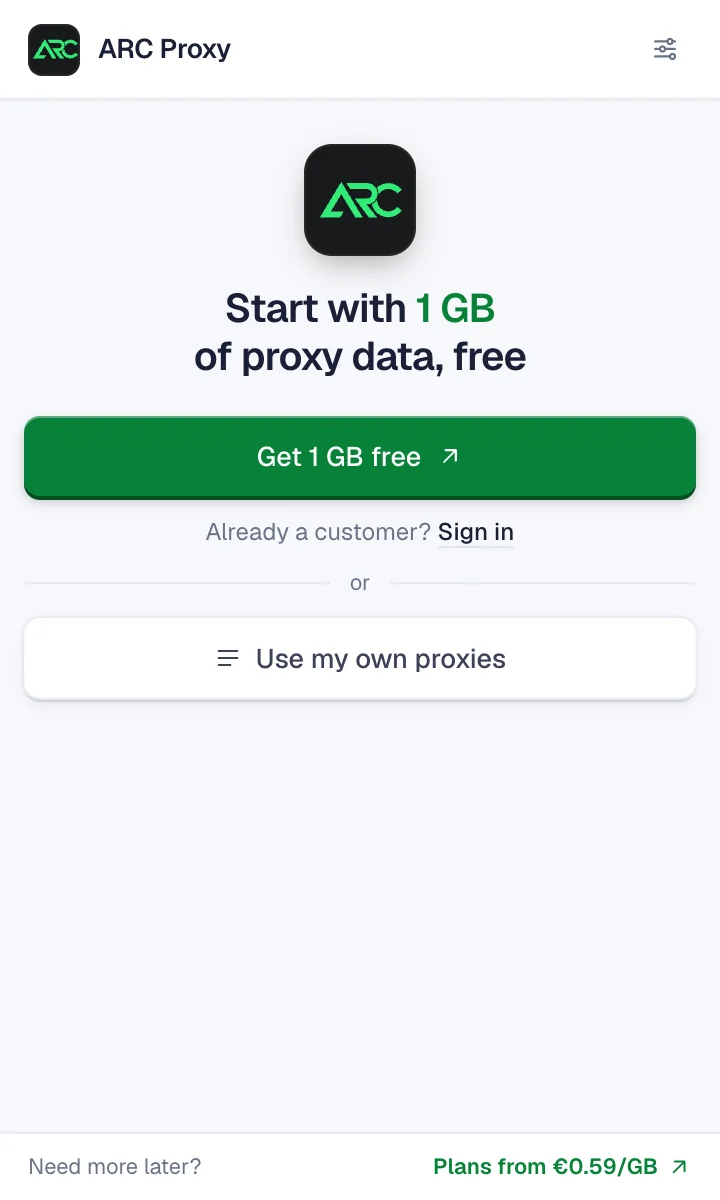
1 GB free, or sign in to your plans
New to ARC? Create an account from the popup and 1 GB is credited to try it. Already a customer? Sign in once and your plans appear. Then pick one, pick a location and flip the switch: no host:port:user:pass to copy, no system proxy settings to touch.
- ISP, residential and mobile 4G/5G plans side by side
- Rotating IPs, or sticky sessions for logins and checkouts
- New IP in one click; the extension clears Chrome's cached proxy login so the change takes effect
- Exit IP, country and latency as soon as you connect
- Data left always in view, with a top-up link when you run low
Targeting
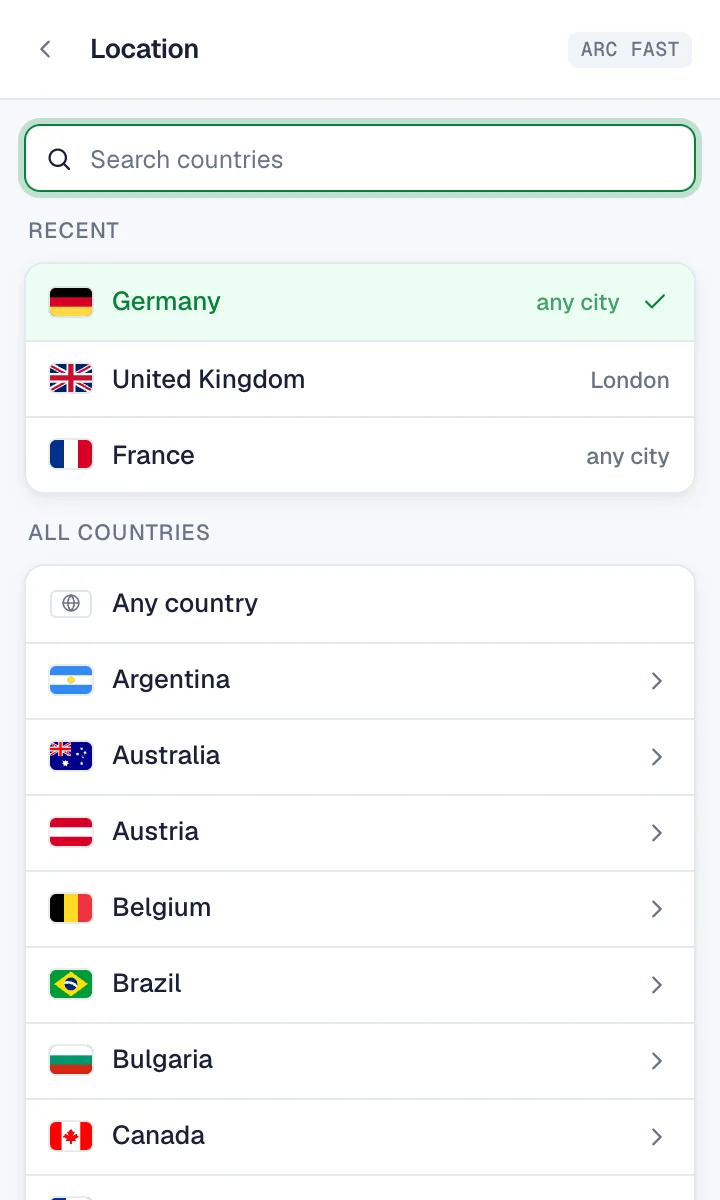
Every country, down to the city
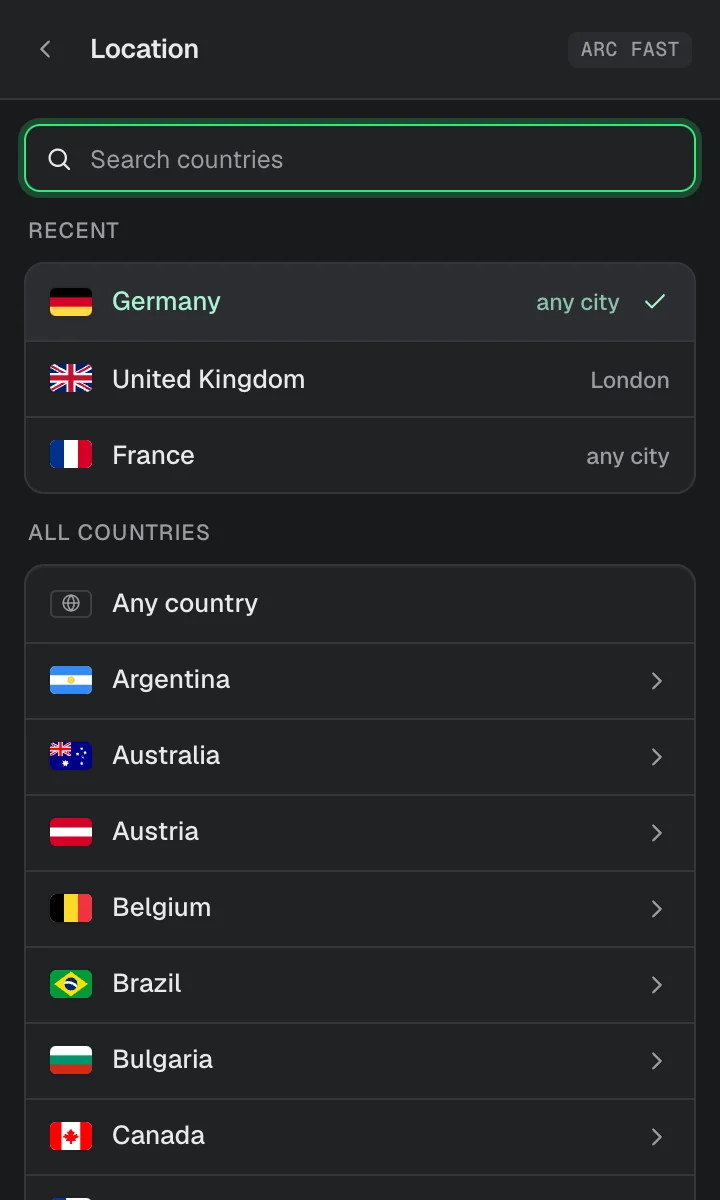
Search a country, choose a city where the pool offers one, and switch. Your recent locations stay on top, so going back to the last market is one click.
- Any country, or a specific one
- City targeting on the pools that support it
- Sticky session length set within the plan's limits
Bring your own
A proxy manager for any provider
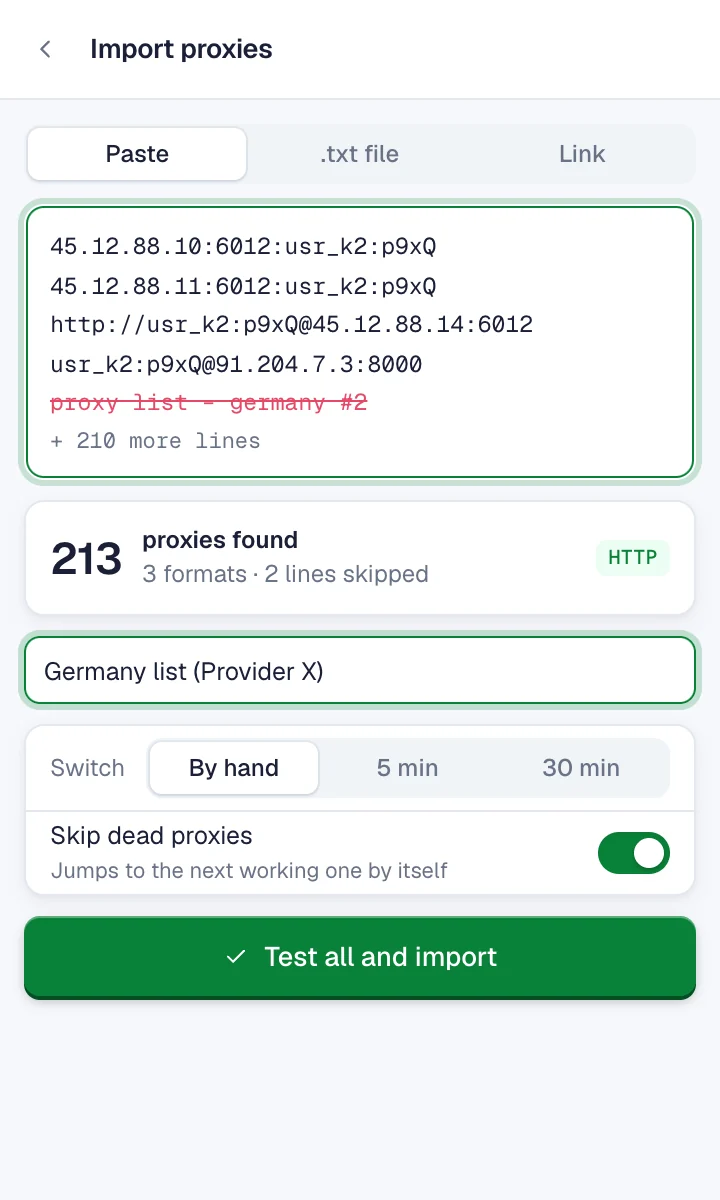
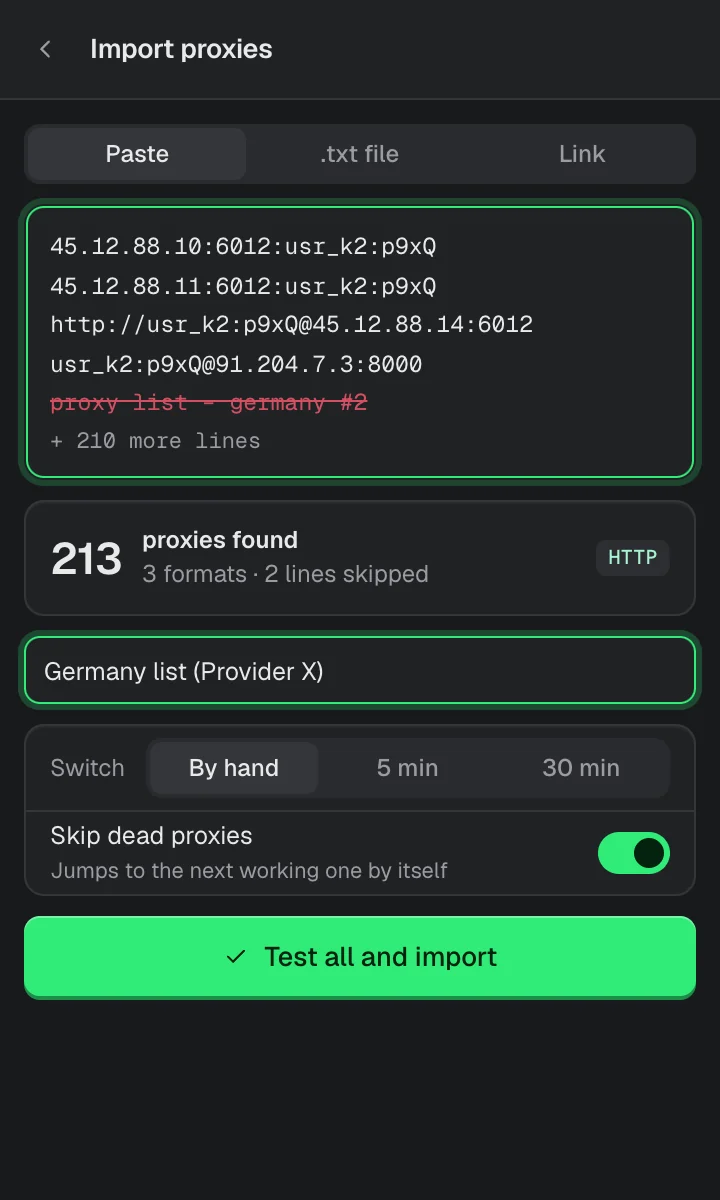
Already have proxies? Paste a list, load a .txt file or point it at a link. Each line is read on its own, so a list may mix formats. Every proxy is tested before you use it.
- HTTP, HTTPS, SOCKS5 and SOCKS4 (SOCKS without a login: Chrome cannot log in to SOCKS proxies)
- Dead proxies flagged, removed in one click
- Switch by hand, every 5 or 30 minutes, or skip to the next working proxy on its own
- Lists from a link can be refreshed later
Formats it reads
- host:port
- host:port:user:pass
- user:pass@host:port
- user:pass:host:port
- host:port@user:pass
- http://user:pass@host:port
- socks5://host:port
Leak protection
Built so your real IP stays hidden
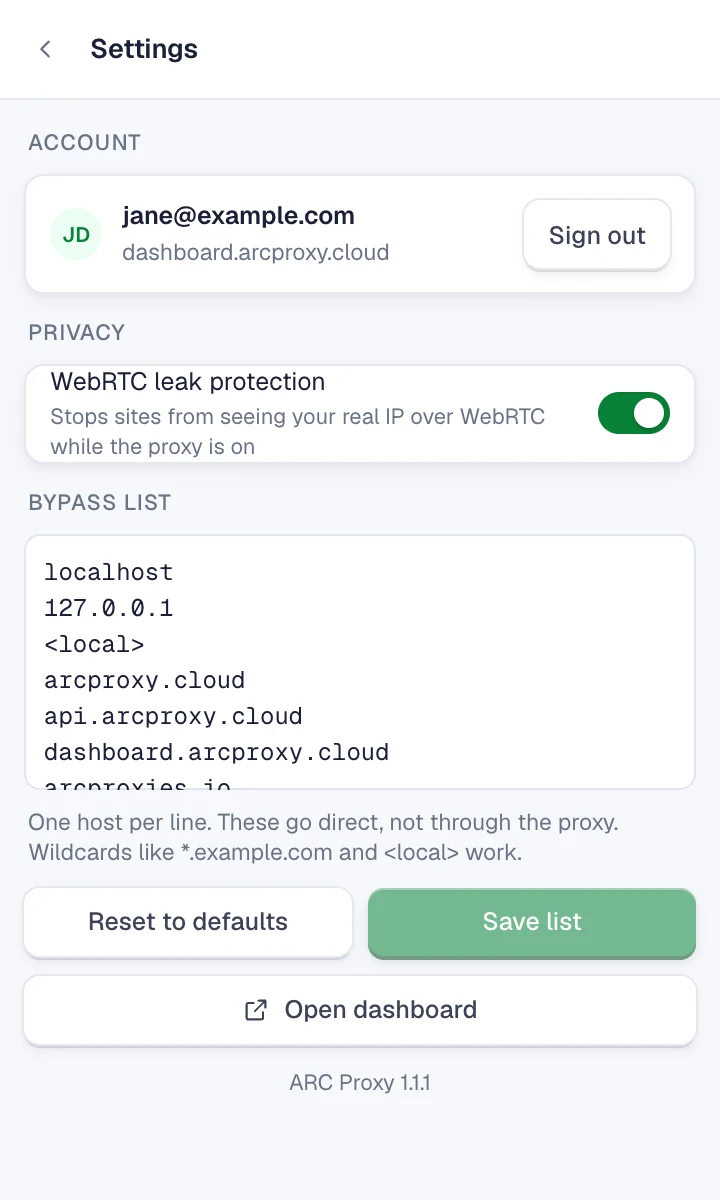
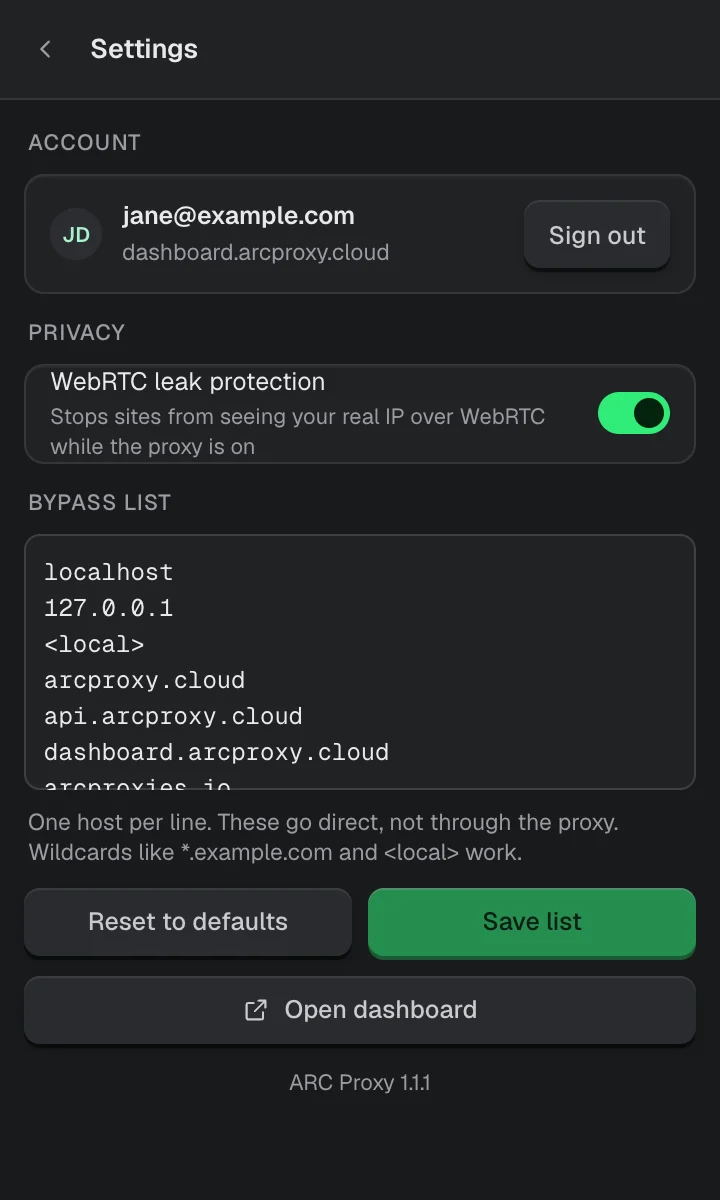
While the proxy is on, the extension switches on Chrome's WebRTC protection, and if the proxy stops answering, traffic stops with it instead of quietly going direct.
- WebRTC leak protection while the proxy is on
- No fallback to a direct connection
- Bypass list for sites that should go direct, editable
- No analytics, ads or remote code in the extension
How it works
From install to a German IP in four steps
The whole flow in 26 seconds. No setup files, no system settings.
- 01
Add it to Chrome
From the Chrome Web Store. It pins next to the address bar.
- 02
Get 1 GB free, or sign in
Create an ARC account from the popup (email, Google or Discord) and 1 GB is credited. Existing customers just sign in.
- 03
Pick a plan and a location
Country, city where available, rotating or sticky.
- 04
Switch it on
Chrome goes out through the proxy. The popup shows the exit IP and how much data is left.
Permissions
What it asks Chrome for, and why
Chrome shows a warning for proxy extensions because they can route all your traffic. Here is exactly what each permission is used for.
| proxy | Set Chrome's proxy to the one you switched on. |
|---|---|
| webRequest, webRequestAuthProvider, all sites | Answer the login request of your proxy. Chrome only allows this for all sites at once; no page content is read. |
| storage | Your settings, account key and proxy lists, on your device only. |
| alarms | Check your data balance every 5 minutes, rotate imported lists. |
| privacy | WebRTC leak protection while the proxy is on. |
| browsingData | Forget Chrome's cached login for the proxy server when you change location or IP, so the change takes effect. |
Full details in the extension’s privacy policy.
FAQ
Questions about the extension
Something not covered? Write to contact@arcproxies.io.
Is the extension free?
Yes. The extension is free, and a new ARC account created from it gets 1 GB of proxy data to try. Sign-ups with email confirm their address first; Google and Discord sign-ups get the gigabyte right away. After that you pay per GB, and bandwidth never expires.
Can I use proxies from another provider?
Yes. Add a single proxy or import a whole list by pasting it, loading a .txt file or giving a link. HTTP and HTTPS proxies work with or without a login; SOCKS4 and SOCKS5 work without a login, because Chrome cannot log in to SOCKS proxies.
Which ARC plans work in the extension?
Every bandwidth plan: ISP, residential and mobile 4G/5G. Static ISP IPs rented per month are not in the extension yet; use them with the connection details from the dashboard.
Does it proxy one tab or the whole browser?
The whole browser profile, every tab. Incognito windows too, if you allow the extension in incognito. Sites on the bypass list (by default our own dashboard and checkout) go direct.
Will websites see my real IP?
Not through the extension's own setup: WebRTC leak protection is on while the proxy is on, and when the proxy fails, traffic stops instead of falling back to a direct connection. Sites on your bypass list do see your real IP, by design.
Does the extension see what I browse?
No. It has no analytics or tracking code and reads no page content. It talks to our API for your plans and balance, and to api.ipify.org through the proxy to show the exit IP. Details are in the extension's privacy policy.
How do I get a new IP?
On a rotating plan, press New IP. On a sticky session the IP stays for the session length you chose, and New IP starts a fresh session. Changing the country or city also gives you a new IP.
Which browsers does it support?
Chrome 116 or newer on Windows, macOS, Linux and ChromeOS. Other Chromium browsers that install from the Chrome Web Store usually work too, but Chrome is what we test on.
Get started
The extension is in review. The proxies are not.
While Google reviews the extension, every plan works today with the connection details from the dashboard: in your scraper, your browser profile tool or your code.